Screenshot a website as a tablet shows it
To see how a website looks on a tablet, paste its address into CurlShot and choose Tablet. CurlShot opens the page with a tablet-sized screen, the tablet's pixel density and a tablet browser identity, so the site serves the layout it gives to tablets, and returns a screenshot of it. The API has presets for the iPad, iPad mini, iPad Air and iPad Pro.
No address handy? Try
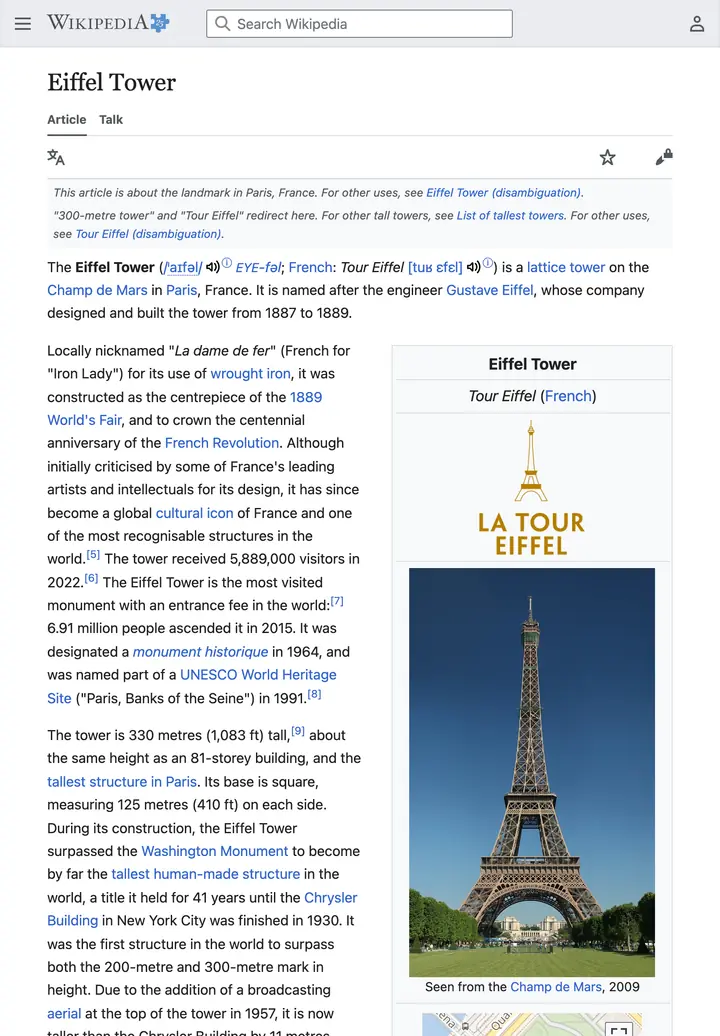
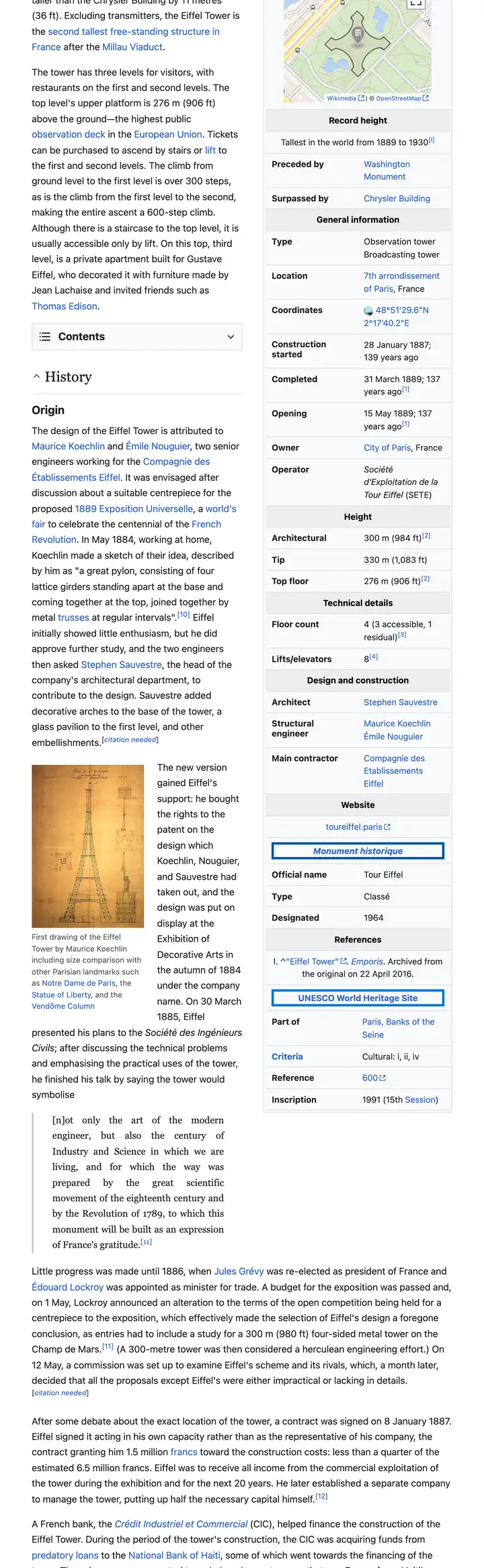
The example stops here. The real page goes on.
This is an example: wikipedia.org on a tablet, whole page, pictured with CurlShot. Paste an address above to make your own.
Ads and cookie pop-ups hidden. This page has none, so the screenshot is the same either way.
No account needed to try it. A free account gives you 100 screenshots a month, no card needed.
Create a free accountHow to do it, in three steps
- 1
Paste the address of the website into the box.
- 2
Choose "Tablet".
- 3
Press "Take the screenshot", then download the image.
What people use it for
- Check the in-between layout that neither a phone nor a computer shows
- Test a menu, a table or a form at tablet width
- Show a client how their site looks on an iPad
- Screenshots for a store listing or a presentation
For developers: one request
The same thing from your own code. It is a plain HTTP request, so it works from any language. Create a free account to get an access key.
curl "https://curlshot.com/api/v1/screenshot?access_key=YOUR_ACCESS_KEY&url=https://example.com&viewport_device=ipad&full_page=true" \
--output tablet.pngQuestions people ask
How do I take a screenshot of a website on an iPad without an iPad?
Paste the address into CurlShot and choose Tablet. The page is opened with the screen size and browser identity of a tablet, and you get a screenshot of what it shows.
Can I get the landscape view?
With the API, yes. Add viewport_landscape=true and the tablet is turned on its side before the screenshot is taken.
Which tablets are available?
The API has presets for the iPad, iPad mini, iPad Air and iPad Pro, and you can set any screen width and height yourself.
Is it free?
You can try it on this page without an account. A free account adds a monthly allowance of screenshots and keeps them in one place.
Related tools
- Mobile screenshotSee and screenshot any website as it looks on an iPhone, an Android phone or a tablet, without picking one up. Paste the address. Free to try, also an API.
- Full-page screenshotTake a screenshot of a whole web page, from the top to the very bottom, as one image. Paste the address, nothing to install. Also available as an API.
- URL to imageConvert any URL into an image file. Paste a web address and download a PNG, JPEG or WebP screenshot of the page. Free to try, and one request by API.