Save any web page as a PDF
To save a web page as a PDF, paste its address into CurlShot, choose PDF and press the button. You get a PDF document with real pages and selectable text that you can print, email or file. It works for articles, invoices, reports and any public page.
No address handy? Try
PDFPage 1 of 28
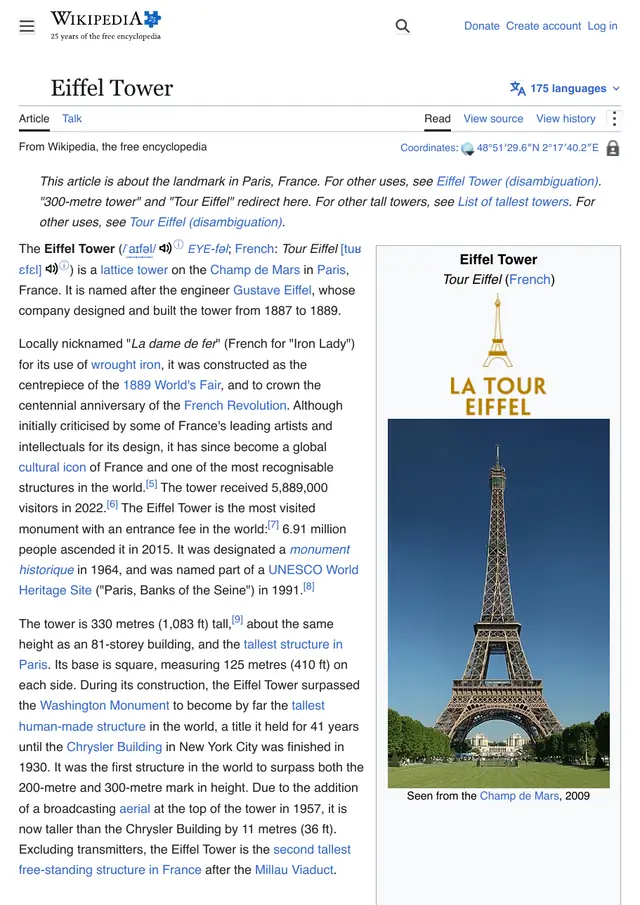
This is an example: wikipedia.org on a computer, saved as a PDF, pictured with CurlShot. Paste an address above to make your own.
Ads and cookie pop-ups hidden. This page has none, so the screenshot is the same either way.
No account needed to try it. A free account gives you 100 screenshots a month, no card needed.
Create a free accountHow to do it, in three steps
- 1
Paste the address of the page into the box.
- 2
Choose "PDF" as the result.
- 3
Press "Take the screenshot", then download the PDF.
What people use it for
- File an invoice, a receipt or an order confirmation
- Archive an article or a report as a document
- Print a page without the browser print dialog
- Attach a web page to an email
For developers: one request
The same thing from your own code. It is a plain HTTP request, so it works from any language. Create a free account to get an access key.
curl "https://curlshot.com/api/v1/screenshot?access_key=YOUR_ACCESS_KEY&url=https://example.com&format=pdf&pdf_paper_format=a4" \
--output page.pdfQuestions people ask
How do I convert a URL to a PDF?
Paste the URL into CurlShot, choose PDF and press the button. Developers send one request: the screenshot address with format=pdf.
Can I select and copy the text in the PDF?
Yes. The PDF is made by a real browser, the same way as its "Save as PDF", so the text stays text and links keep working.
Can I choose the paper size?
With the API, yes: paper format, landscape, margins and whether backgrounds are printed are all options. There is also an option to fit the whole page on one long sheet.
Is it free?
You can try it on this page without an account. A free account adds a monthly allowance of screenshots and keeps them in one place.
Related tools
- Full-page screenshotTake a screenshot of a whole web page, from the top to the very bottom, as one image. Paste the address, nothing to install. Also available as an API.
- URL to imageConvert any URL into an image file. Paste a web address and download a PNG, JPEG or WebP screenshot of the page. Free to try, and one request by API.
- Screenshot APIA screenshot API for developers. One HTTP request turns a URL, HTML or Markdown into a PNG, JPEG, WebP or PDF. Full page, devices, blocking, cache, MCP.