Take a full-page screenshot of any website
To take a screenshot of a whole web page, paste its address into CurlShot and press the button. CurlShot opens the page in a real browser, scrolls it from top to bottom so every image loads, and gives you one tall image of the entire page. Nothing to install, and no browser extension.
No address handy? Try
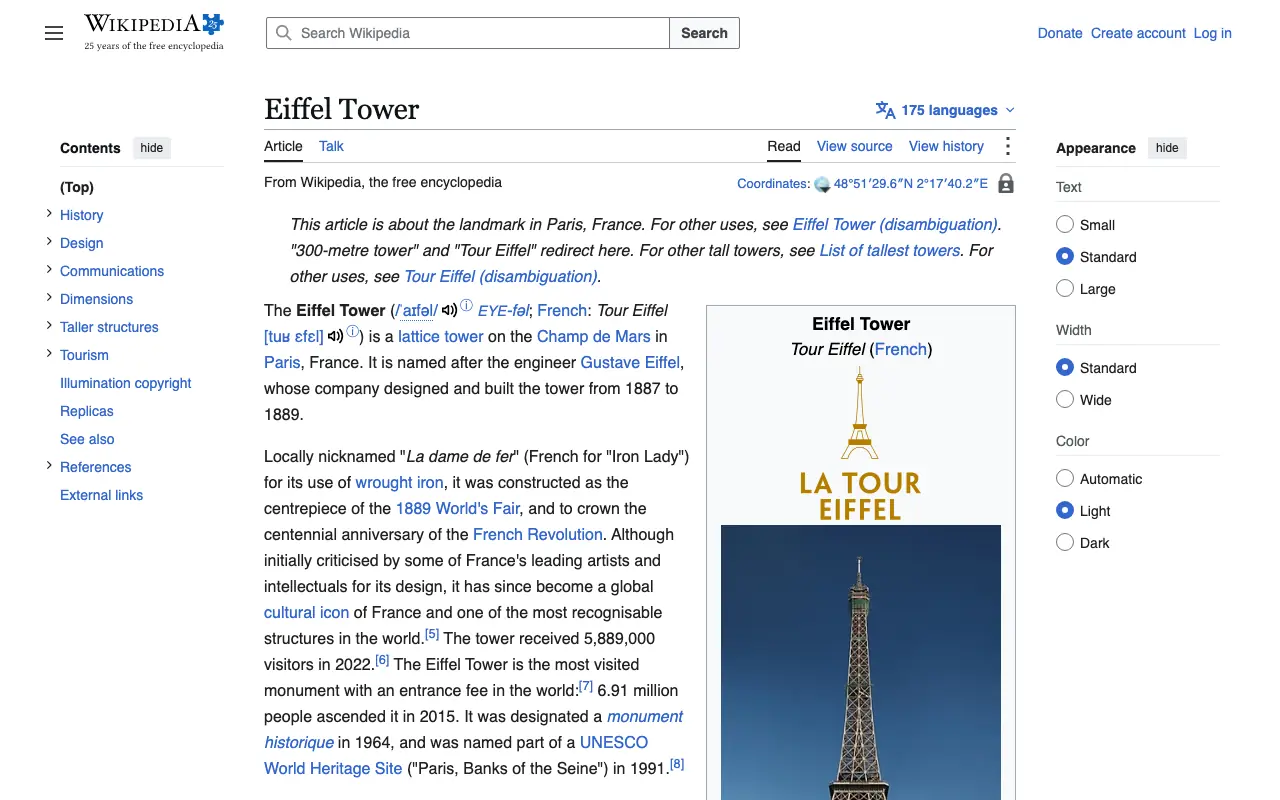
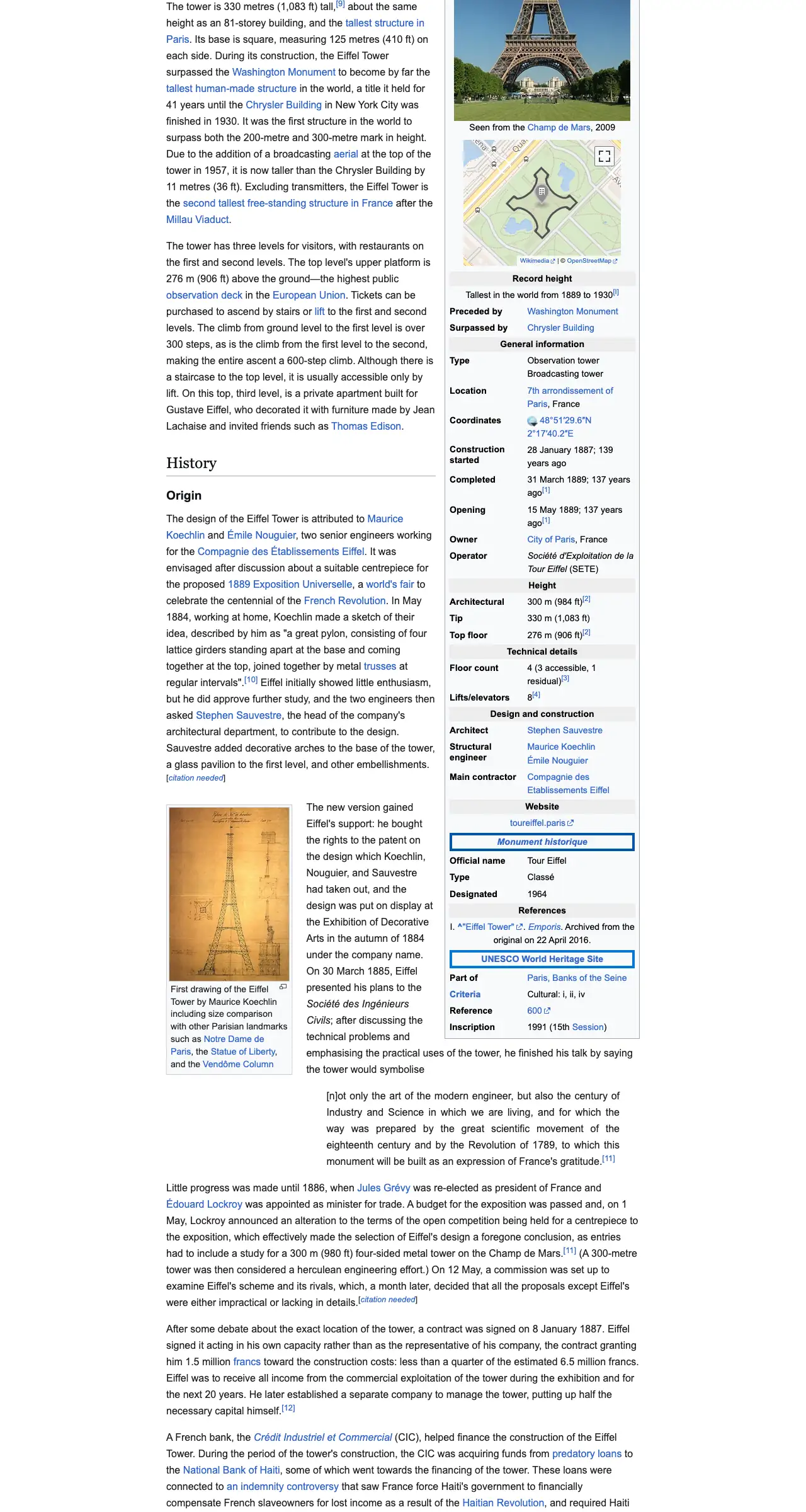
The example stops here. The real page goes on.
This is an example: wikipedia.org on a computer, whole page, pictured with CurlShot. Paste an address above to make your own.
Ads and cookie pop-ups hidden. This page has none, so the screenshot is the same either way.
No account needed to try it. A free account gives you 100 screenshots a month, no card needed.
Create a free accountHow to do it, in three steps
- 1
Copy the address of the page from the bar at the top of your browser and paste it into the box.
- 2
Keep "Whole page" selected. Choose a computer, phone or tablet view.
- 3
Press "Take the screenshot", then download the image.
What people use it for
- Keep a record of how a page looked on a certain day
- Send a whole page to a client or a colleague as one file
- Save a long article, a price list or terms before they change
- Review a design from top to bottom without scrolling
For developers: one request
The same thing from your own code. It is a plain HTTP request, so it works from any language. Create a free account to get an access key.
curl "https://curlshot.com/api/v1/screenshot?access_key=YOUR_ACCESS_KEY&url=https://example.com&full_page=true" \
--output page.pngQuestions people ask
How do I screenshot an entire web page, not only the part I see?
Paste the page address into CurlShot and keep "Whole page" selected. The screenshot covers the page from the top to the bottom, including everything you would have to scroll to see.
Do images further down the page appear in the screenshot?
Yes. Many pages load images only when you scroll to them. CurlShot scrolls through the page first so those images load, then takes the screenshot.
Is there a limit to how tall the page can be?
Yes. Very long pages are cut off at a maximum height so the image stays a usable size. The limit is higher on paid plans, and with the API you set it yourself with the full_page_max_height option.
Is it free?
You can try it on this page without an account. A free account adds a monthly allowance of screenshots and keeps them in one place.
Related tools
- Web page to PDFTurn a web page into a PDF document from its address. Real pages, working links and selectable text. Paste the address, nothing to install. Also an API.
- Mobile screenshotSee and screenshot any website as it looks on an iPhone, an Android phone or a tablet, without picking one up. Paste the address. Free to try, also an API.
- Screenshot without cookie bannersTake a clean screenshot of any web page: cookie banners, consent pop-ups, ads and chat bubbles are hidden before the capture. Free to try, also an API.