CurlShot documentation
One request takes a screenshot. Here it is. Everything else on these pages is a way to change what comes back.
curl "https://curlshot.com/api/v1/screenshot?access_key=YOUR_ACCESS_KEY&url=https://example.com" \
  --output example.png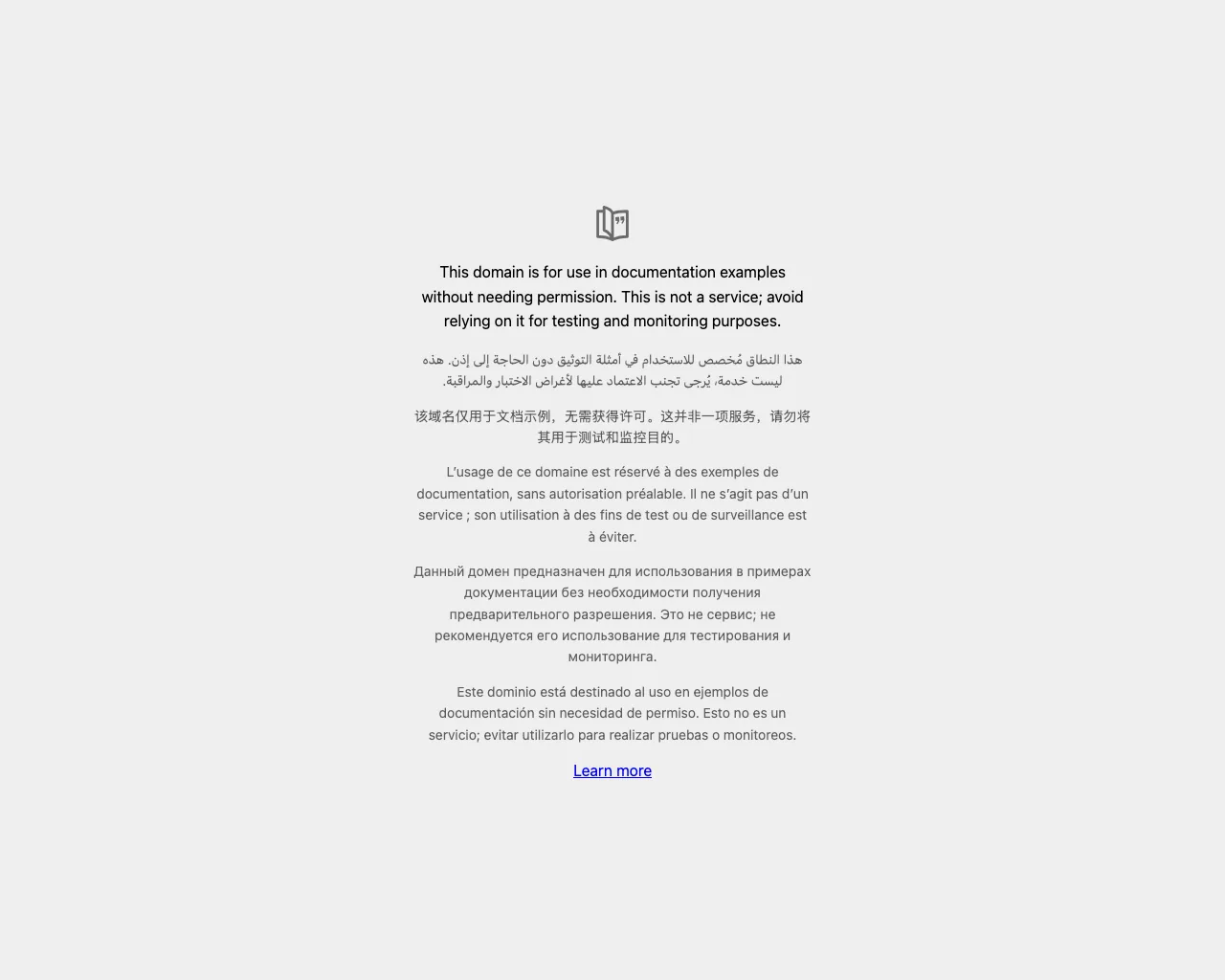
Start here
- Getting startedTake your first screenshot in about a minute. Send one request with a page address and get an image back.
- Authentication and API keysHow to send your access key, what the secret key and signatures are for, and how to rotate, revoke and protect your keys.
- The screenshot URLHow a screenshot request is built, when to use GET or POST, how to encode the page address, and what the response contains.
- Options referenceEvery option of the screenshot API on one page, with its default, its limits and an example value.
Capture
- DevicesCapture a page as a phone, tablet, laptop or desktop would show it, using one option and a list of ready-made presets.
- Full-page screenshotsCapture a page from top to bottom, load lazy images on the way, and keep very tall pages under control.
- Capturing an elementCapture one element with a CSS selector, or a rectangle you choose, with an optional transparent background.
- PDF renderingTurn any page into a PDF, choose the paper size, orientation and margins, or put the whole page on one long sheet.
- Scrolling videosRecord a video of a page scrolling from top to bottom, as MP4, WebM or GIF, and set its length, smoothness and size.
- HTML and Markdown inputSend your own HTML or Markdown and get it back as an image or PDF. Good for social cards, invoices and reports.
Control the page
- Blocking ads, cookie banners, trackers and chatsRemove ads, consent pop-ups, tracking scripts and chat widgets before the capture, and block any other request by type or pattern.
- Dark mode and emulationAsk a site for its dark theme, stop animations, switch to print styles, and set the time zone, user agent and mobile mode.
- Waiting and timingDecide the moment the capture is taken, with wait_until, delay, wait_for_selector and timeout, and what to do when a page times out.
- Custom CSS, JavaScript and clicksHide elements, add your own CSS, run JavaScript and click a button on the page before the capture is taken.
Deliver the result
- CachingStore a screenshot once and reuse it for free. How cache, cache_ttl and cache_key work, and how to force a fresh render.
- Signed linksPut screenshot links in a web page without handing out a usable key. Signing steps, expiring links, signed status and bulk calls, six languages.
- Async and webhooksStart a render in the background, then poll the job or let a webhook tell you when it is done. Includes signature checks in six languages.
- Bulk screenshotsStart up to 100 screenshots with one call, then follow the whole batch with one status request or receive each result by webhook.
Account and limits
Code examples
- cURL examplesCopy-and-paste cURL commands and shell scripts for screenshots, HTML input, JSON answers, retries, signed links and background jobs.
- Node.js examplesRunnable Node.js samples for screenshots, HTML input, JSON answers, retries, signed links and background jobs, with no packages to install.
- Python examplesRunnable Python samples for screenshots, HTML input, JSON answers, retries, signed links and background jobs, using requests and the standard library.
- PHP examplesRunnable PHP samples for screenshots, HTML input, JSON answers, retries, signed links and background jobs, using the curl extension and hash_hmac.
- Go examplesRunnable Go samples for screenshots, HTML input, JSON answers, retries, signed links and background jobs, using only the standard library.
- Ruby examplesRunnable Ruby samples for screenshots, HTML input, JSON answers, retries, signed links and background jobs, using net/http and openssl.
Guides
- How to screenshot a page behind a loginCapture a page that needs a signed-in user by sending a session cookie, a header or HTTP credentials, and keep those secrets safe.
- How to add website previews to your appShow a small thumbnail next to every link in your app, with small files, caching, signed links and a fallback image.
- How to generate Open Graph images from HTMLDesign a 1200 by 630 share card in HTML and CSS, render it to an image with one POST request, and use it as your og:image.
- How to archive pages as PDFSave web pages as clean PDF files, one at a time or in batches with webhooks, and keep your own copy of every file.
- Using the API from AI agentsLet an AI agent take screenshots through the MCP endpoint, and point it at the machine-readable docs, with advice on image size, caching and limits.
Reading these docs with an AI assistant
Every page has a plain markdown version: add .md to its address, or use the Copy page button. The whole documentation is also available as one text file, with a short map at llms.txt and a machine-readable OpenAPI description. The guide for AI agents covers the rest.