Keep a record of a page
A price, a set of terms, a competitor's offer, a post that may be edited tomorrow. Save exactly how the page looked today, from top to bottom.

Screenshot any website from top to bottom, as an image or a PDF. Free to try, nothing to install.
No address handy? Try
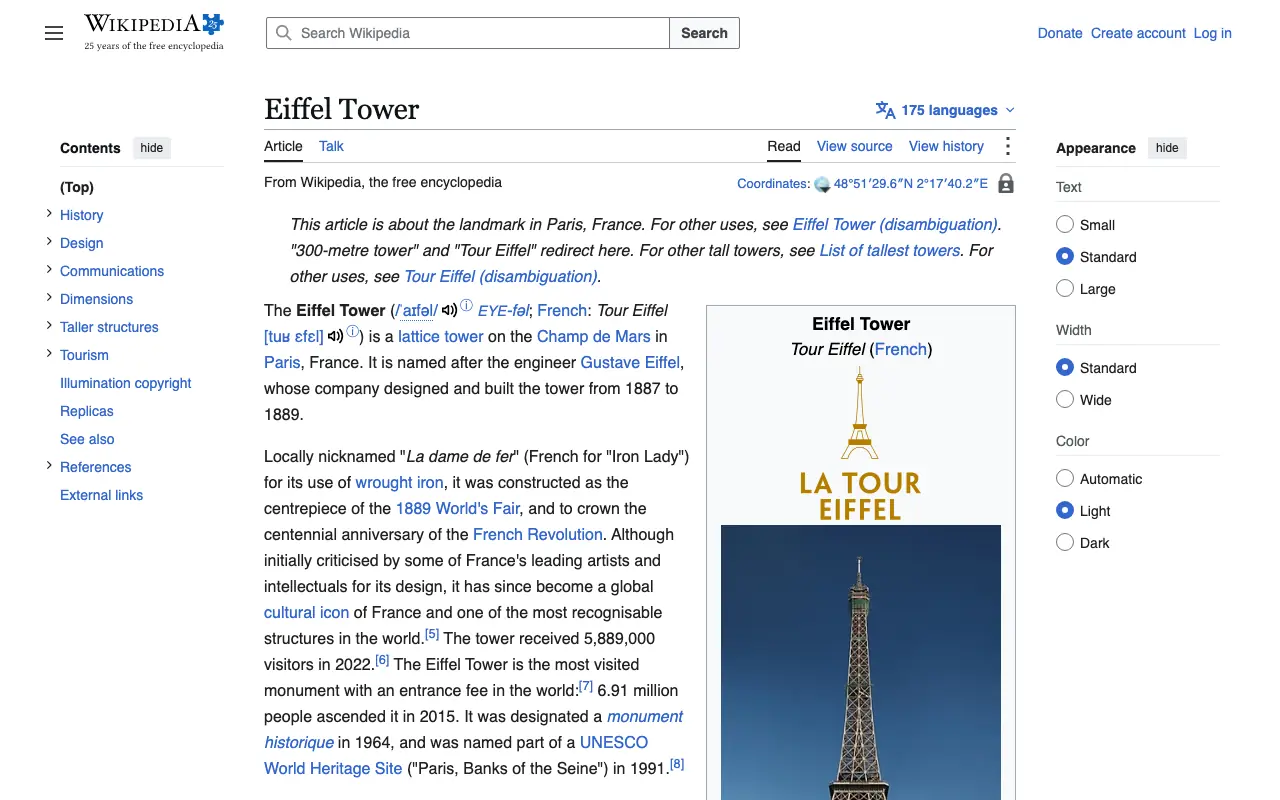
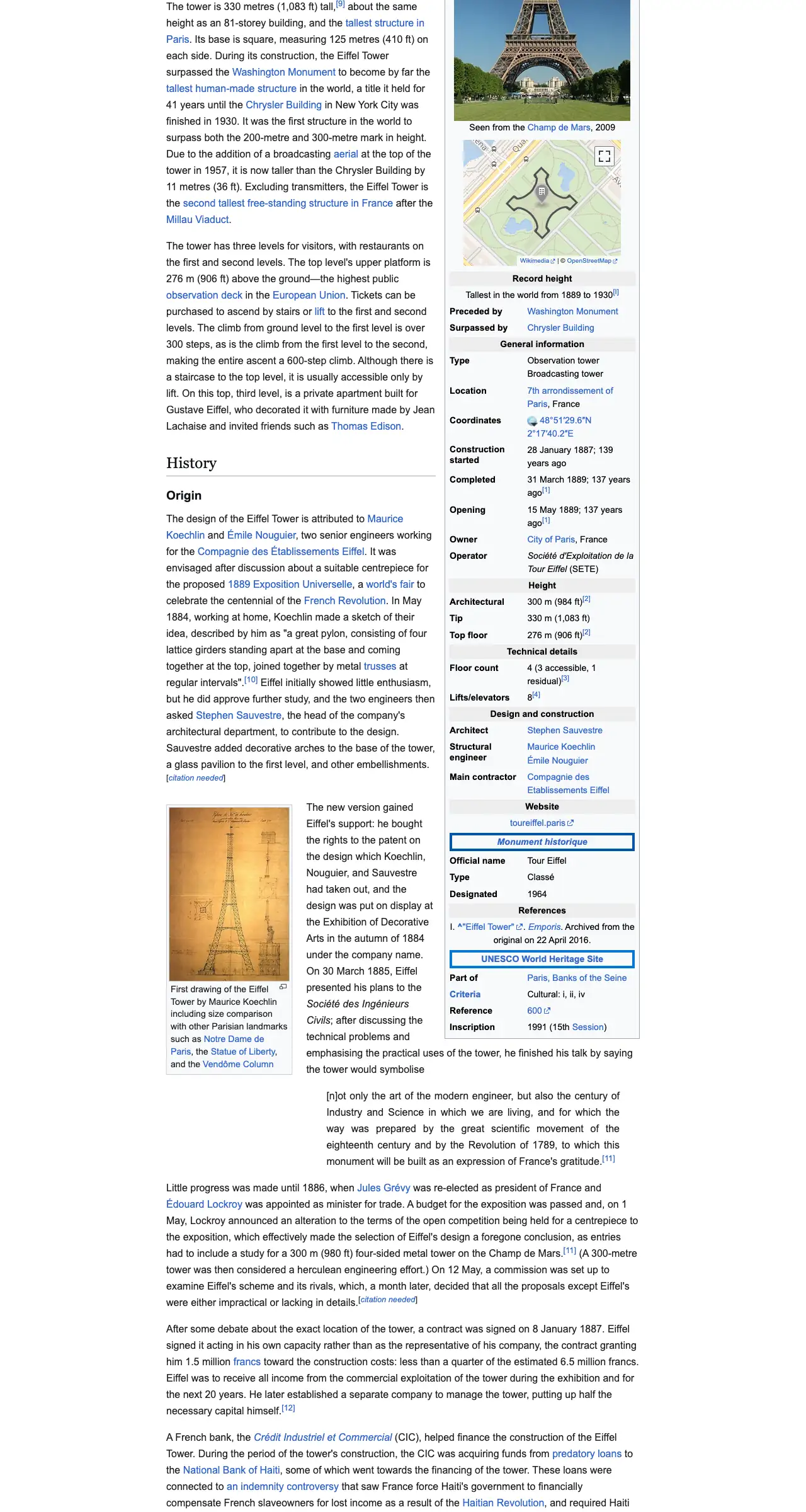
The example stops here. The real page goes on.
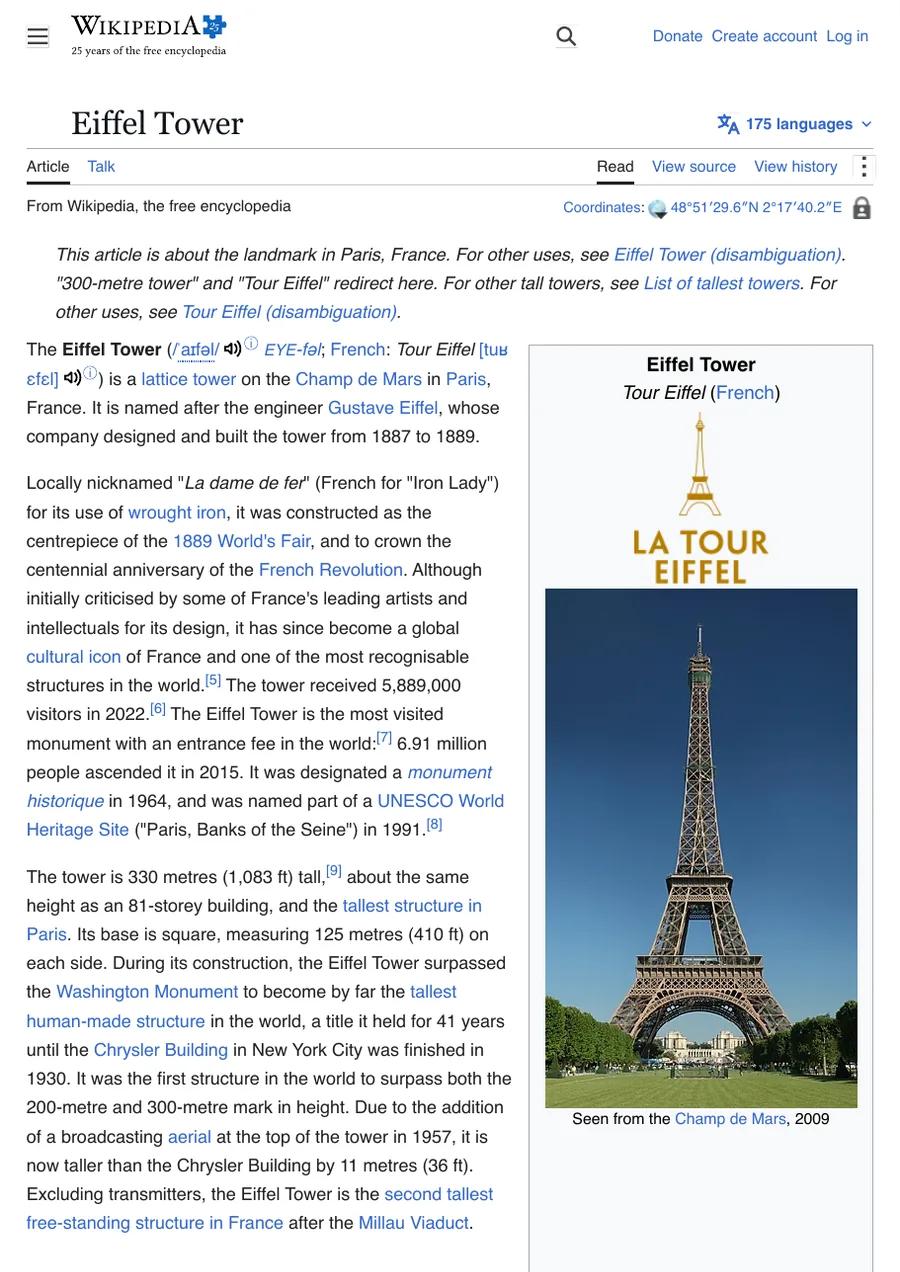
This is an example: wikipedia.org on a computer, whole page, pictured with CurlShot. Paste an address above to make your own.
Ads and cookie pop-ups hidden. This page has none, so the screenshot is the same either way.
No account needed to try it. A free account gives you 100 screenshots a month, no card needed.
Create a free accountThe whole page
From the top to the very bottom, in one screenshot.
Any screen
As a computer, a phone or a tablet shows it.
Image or PDF
PNG, JPEG, WebP or a tidy PDF document.
No clutter
Ads and cookie pop-ups hidden for you.
Every screenshot below is real: CurlShot made it from a live web page.
A price, a set of terms, a competitor's offer, a post that may be edited tomorrow. Save exactly how the page looked today, from top to bottom.
Check how your shop or blog looks to visitors on a phone or a tablet, without picking one up.
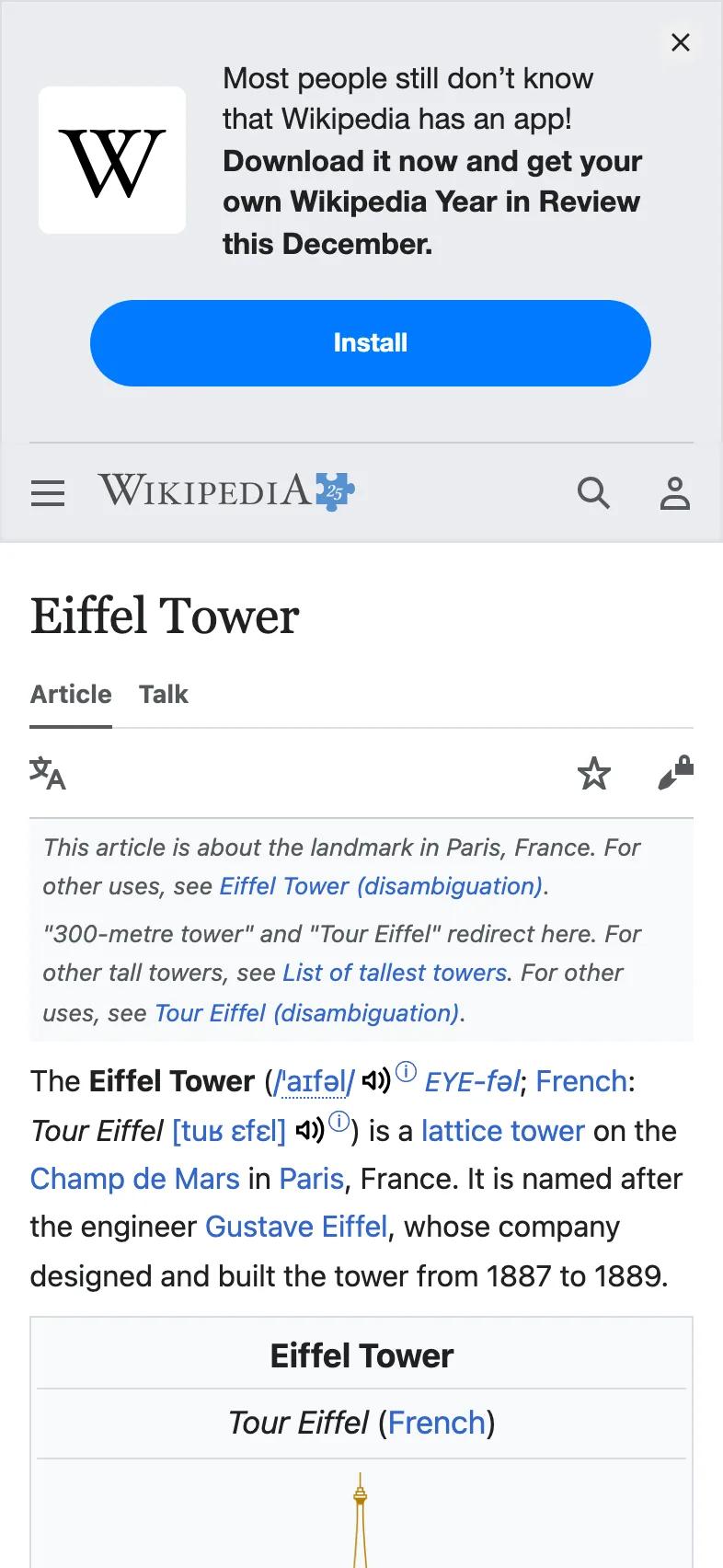
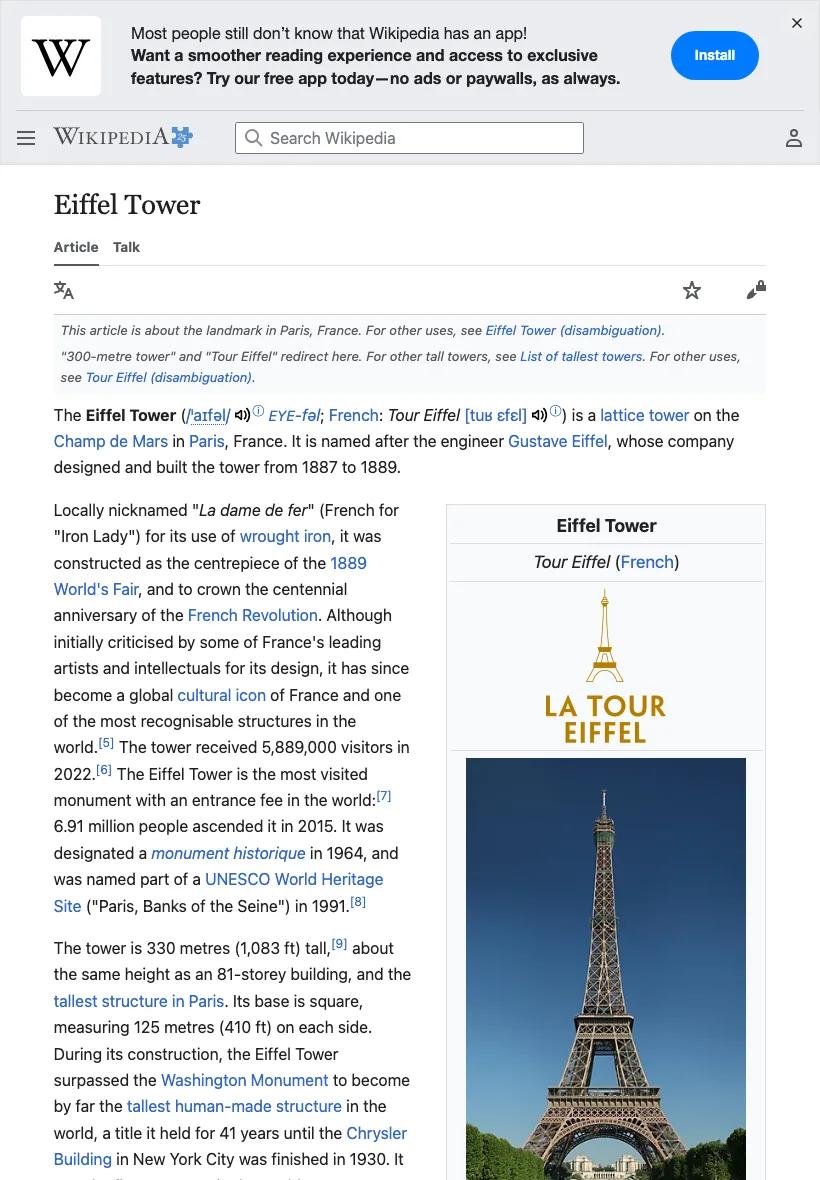
An article, an invoice, a report. Get a tidy document you can print, email or file.
Listing links in a directory, a portfolio or a newsletter? Put a small screenshot of each site next to its name, so people see where a link goes before they click.
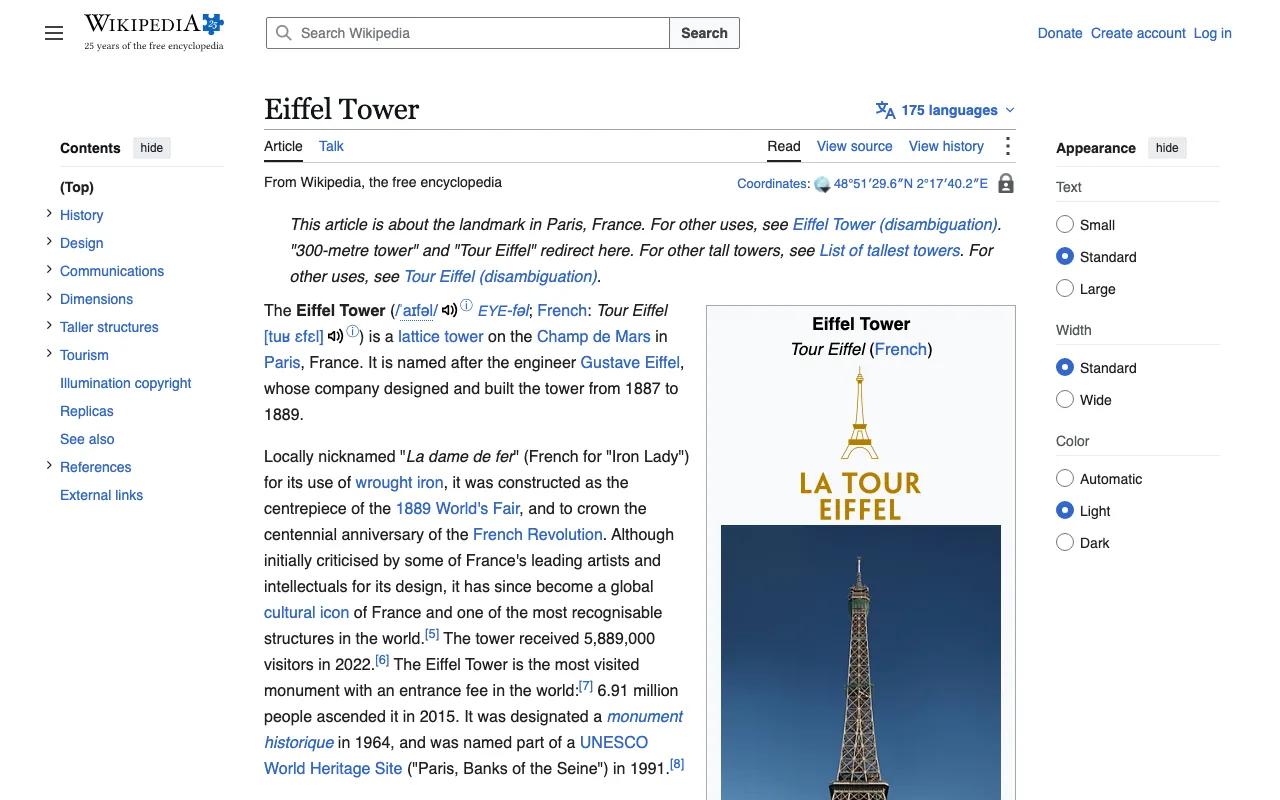
wikipedia.org
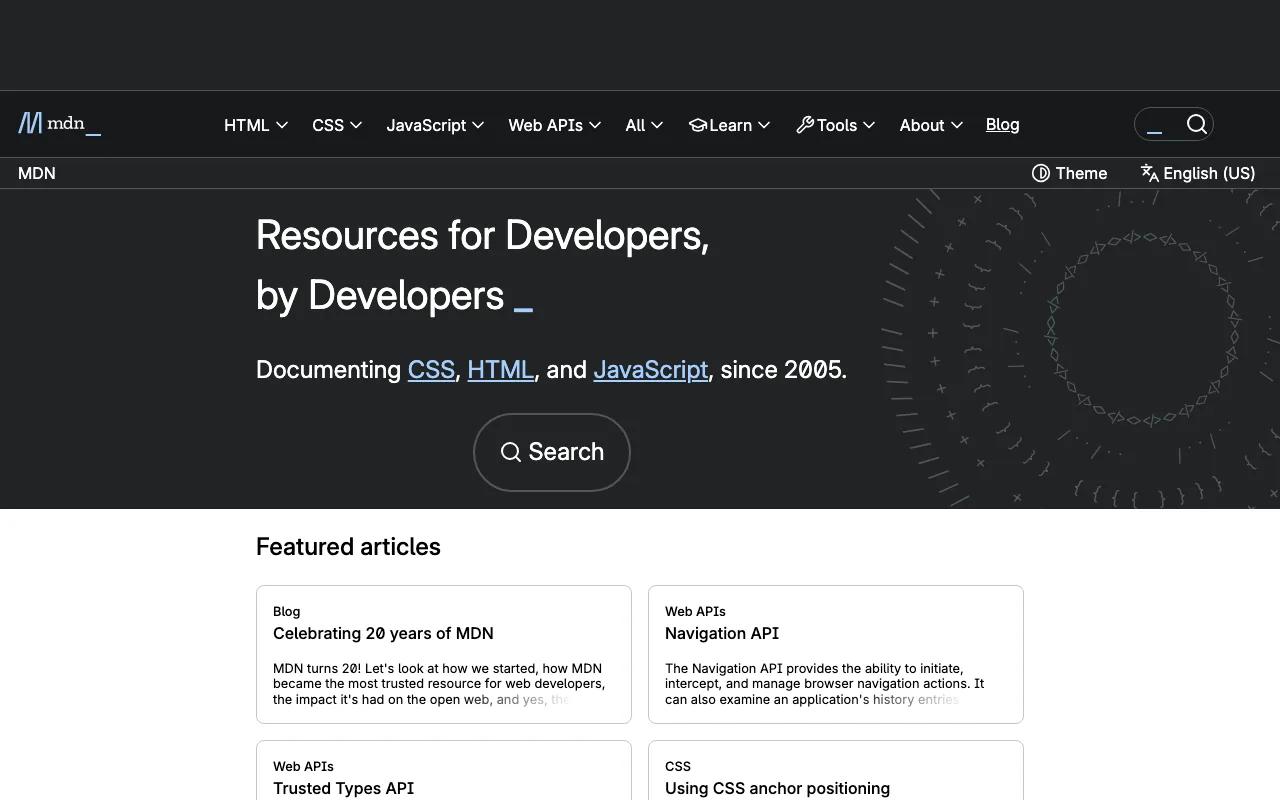
developer.mozilla.org
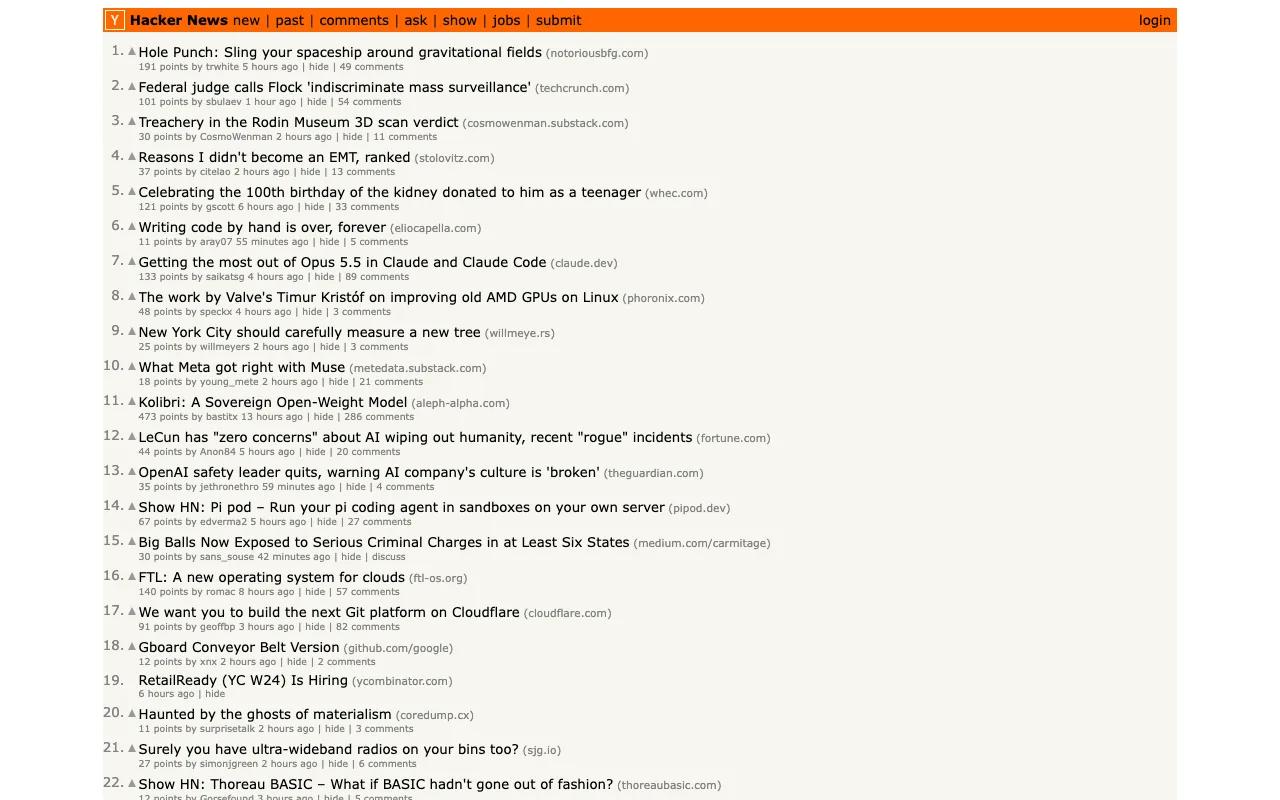
news.ycombinator.com
The image that appears when someone shares your link on social media. Design it once, and every page or post gets its own, with the right title on it.
Copy the address of any page from the bar at the top of your browser, and paste it into the box.
The whole page or just the top. As seen on a computer, a phone or a tablet. An image or a PDF.
Save the file and you are done. Need hundreds, or the same pages every day? A developer can connect CurlShot to your site so it happens automatically.
Everything on this page is also a screenshot API. One HTTP request in, a PNG, JPEG, WebP or PDF out. Nothing to install, and it works from any language.
Build a URL, fetch it, and save what comes back. Every option is one more word in the address.
GET https://curlshot.com/api/v1/screenshot
  ?access_key=YOUR_ACCESS_KEY
  &url=https://example.com
&full_page=truecurl -G "https://curlshot.com/api/v1/screenshot" \
-d access_key=YOUR_ACCESS_KEY \
--data-urlencode "url=https://example.com" \
-d full_page=true \
--output example.pngEach plan is a number of screenshots a month for one fixed price. A screenshot that fails does not count, and you are never charged extra.
Free
100 screenshots a month
Free
Starter
3,000 screenshots a month
$19 a month
Growth
15,000 screenshots a month
$79 a month
Scale
60,000 screenshots a month
$249 a month
Something else on your mind? Ask us.
CurlShot takes a screenshot of any web page. You give it the address of the page, it opens the page the way a normal browser would, and it hands you the screenshot as an image or a PDF.
No. It works right on this page, in any browser, on a computer or a phone. There is nothing to download or set up.
You can try it on this page without an account. A free account gives you 100 screenshots every month, and you do not need a card to sign up. If you need more, the paid plans have a fixed price each month.
Yes. Choose "Whole page" and the screenshot runs from the top of the page to the very bottom, including everything you would normally have to scroll to see.
Yes. Choose "PDF" and the page is laid out on paper-sized pages, ready to print, email or file.
Yes, on most websites. Cookie pop-ups, ads and chat bubbles are removed before the screenshot is taken, so you get a clean page. It does not catch every one on every site.
CurlShot can open any page that anyone can visit without a password. Pages behind a login will show the login screen instead, and a few websites turn away visitors that are not people. Check the address for typos and try again.
One screenshot that worked. If a screenshot fails, it does not count. The free plan includes 100 screenshots every month.
It stops until the next month starts, or until you move to a bigger plan. Plans have a fixed monthly price, so you are never charged extra for going over.
Yes. One HTTP request returns a PNG, JPEG, WebP or PDF of a URL, or of HTML or Markdown you send. The browsers run on our side, so it works from any language and any server. Signed links let you put a screenshot URL straight into a web page without exposing your key.
It can capture a page behind a login when you send what the page needs: cookies, extra headers or an Authorization header. Local and private addresses are refused on purpose; for those, send the HTML directly and it is rendered the same way.
Yes. There is an MCP server with a take_screenshot tool, an OpenAPI description, an llms.txt map, and a markdown version of every docs page.