Save a web page online as a PDF or image
To save a web page online, paste its address into CurlShot and press the button. CurlShot opens the page in a real browser and gives you a file to keep: a PDF with text you can select and search, or an image of the page. The file shows the page as it looks today, so keep it if the page may change or disappear. It is not a permanent web archive: you download the file and store it yourself.
No address handy? Try
PDFPage 1 of 28
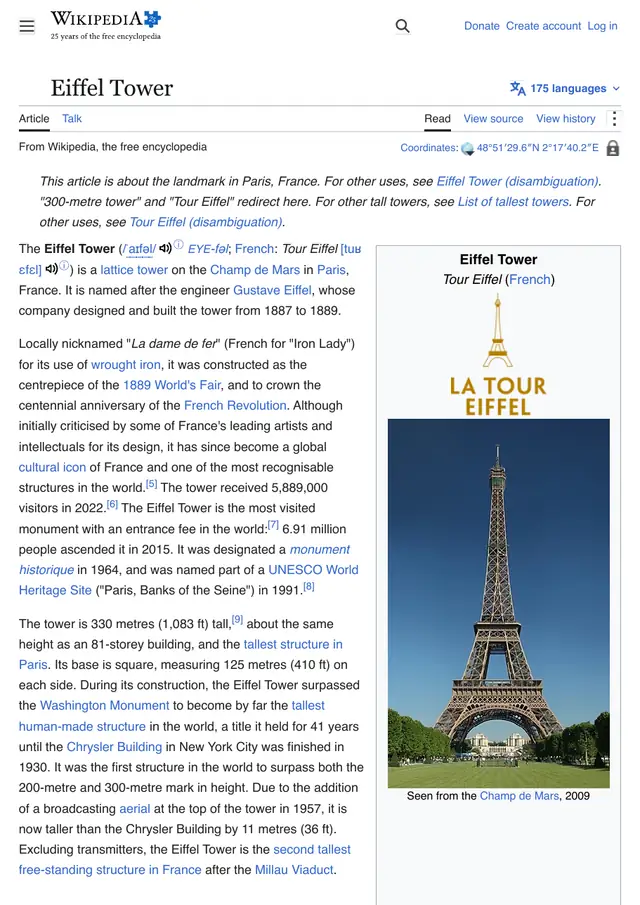
This is an example: wikipedia.org on a computer, saved as a PDF, a screenshot made with CurlShot. Paste an address above to make your own.
Ads and cookie pop-ups hidden. This page has none, so the screenshot is the same either way.
No account needed to try it. A free account gives you 100 screenshots a month, no card needed.
Create a free accountHow to save a web page online in three steps
- 1
Paste the address of the web page into the box.
- 2
Choose "Whole page" for a PDF of everything, or "Just the top" for the first screen.
- 3
Press "Take the screenshot", then download the file and keep it.
PDF, image or JSON link: which to save
Three things are called "saving a page". The file you get depends on one option, and each is right for a different reason.
Show the table (4 rows)
| Save it as | Options | Good for | Limits |
|---|---|---|---|
| format=pdf&media_type=print | Articles, receipts and documents: text stays selectable and searchable | Always the whole page; selector and clip_* are refused with a PDF | |
| Image of the whole page | format=jpeg&full_page=true | Showing exactly how the page looked, in one file | Text in the image is not searchable |
| Image of the first screen | format=png | A small proof of what a visitor saw first | Only what fits the window |
| A link to the stored file | response_type=json | Handing the file to another system | The link stops working at expires_at |
- block_cookie_banners=true and block_ads=true remove the consent pop-up and the ad blocks, so the copy shows the content.
- media_type=print uses the print layout of the site when it has one, which is usually cleaner for articles. Use screen to keep the look of the page on a screen.
- The file shows the page at the moment of the request. It does not follow later changes, and it does not keep the code of the page.
- Saving many pages? Send them as a list with the bulk endpoint, or follow a sitemap with the page on screenshotting all pages of a website.
What people use it for
- Keep a copy of an article, a receipt or a booking confirmation before it changes
- Save the terms or the price of a page on the day you agreed to them
- Collect pages for research as files you can search
- Keep proof of how a page looked on a given day
For developers: one request
The same thing from your own code. It is a plain HTTP request, so it works from any language. Create a free account to get an access key.
curl "https://curlshot.com/api/v1/screenshot?access_key=YOUR_ACCESS_KEY&url=https://example.com&format=pdf&media_type=print&block_cookie_banners=true" \
--output page.pdfQuestions people ask
How do I save a web page online?
Paste the address of the page into CurlShot and press "Take the screenshot". The download is a PDF or an image of the page, which you can keep, email or upload anywhere.
Does it keep a permanent copy of the page on a website?
No. CurlShot makes the file and gives it to you. With the API, response_type=json returns a link to the stored file, but that link stops working at the expires_at time in the answer, so download the file and keep your own copy.
Is a PDF or an image better for saving a page?
A PDF keeps the text selectable and searchable and splits a long page over paper-sized pages. An image keeps the exact look in one piece and opens everywhere. Choose the PDF for articles and documents, the image for how a page looked.
Can I save a page that needs a login?
Yes, with the API: you pass your own session cookies or headers with the request. The page is then drawn the way you see it when signed in. The tool on this page only opens public pages.
Is it free?
You can try it on this page without an account. A free account adds a monthly allowance of screenshots and keeps them in one place.
Related tools
- Web page to PDFTurn a web page into a PDF document from its address. Real pages, working links and selectable text. Paste the address, nothing to install. Also an API.
- Web page to JPGTurn a website into a JPG. Paste the web page address, choose the whole page or just the top, and download the image. Free to try, also one request by API.
- Full-page screenshotTake a screenshot of a whole web page, from the top to the very bottom, as one image. Paste the address, nothing to install. Also available as an API.