Save a web page as a JPG
To save a web page as a JPG, paste its address into CurlShot and press the button. CurlShot opens the page in a real browser and gives you a JPG image of it to download, the whole page or just the first screen. A JPG is small, opens everywhere and can be attached to an email or dropped into a document. With the API you can also ask for PNG or WebP.
No address handy? Try
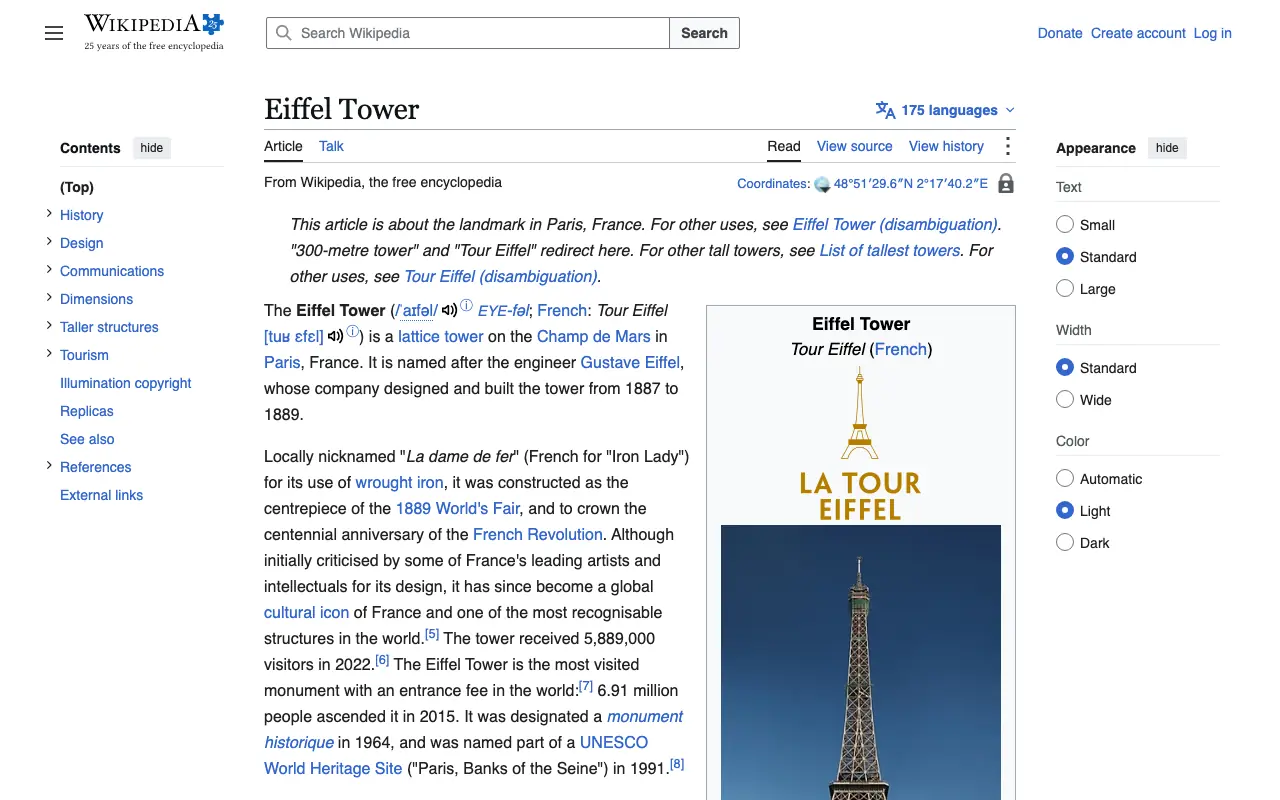
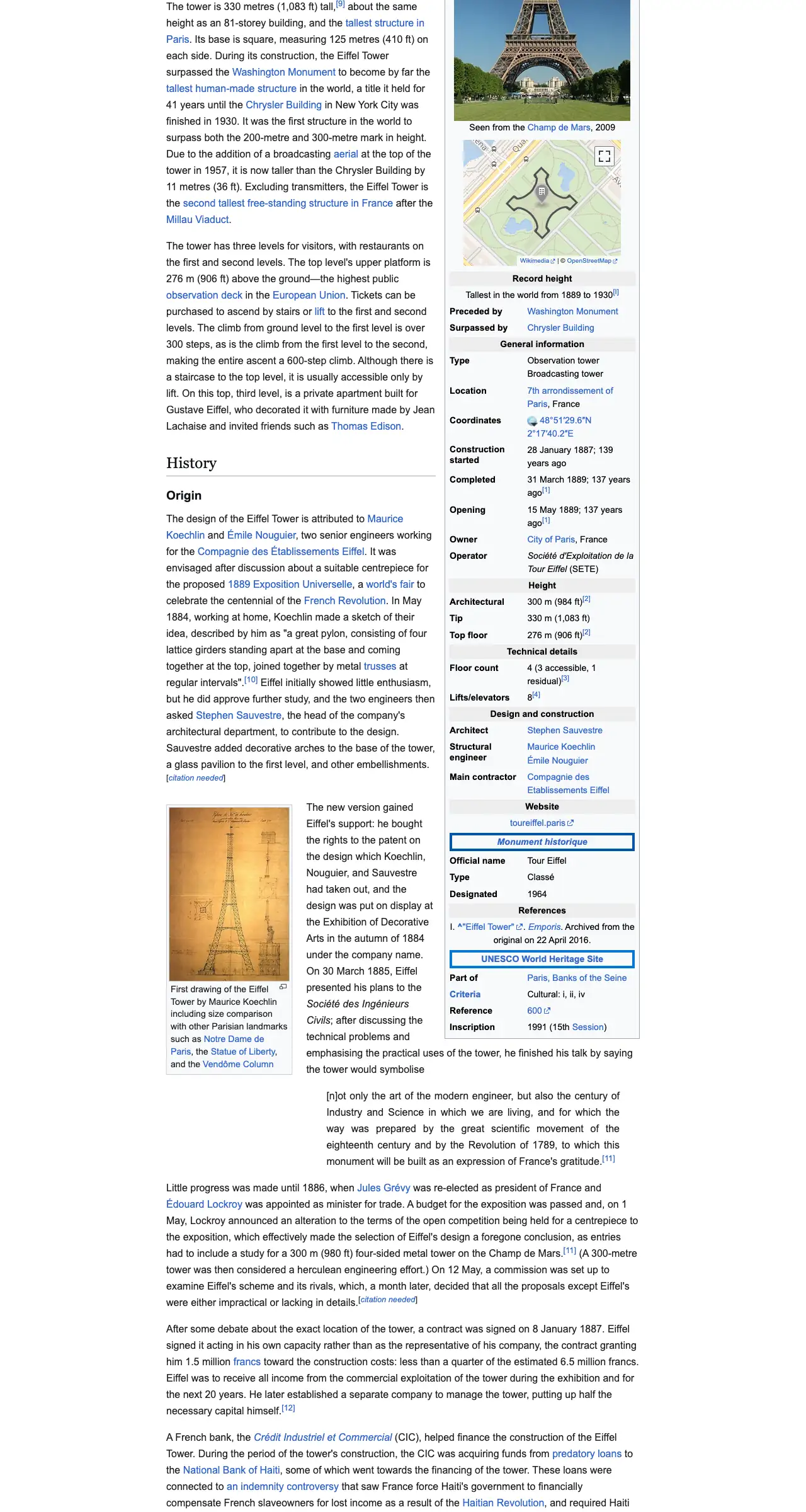
The example stops here. The real page goes on.
This is an example: wikipedia.org on a computer, whole page, pictured with CurlShot. Paste an address above to make your own.
Ads and cookie pop-ups hidden. This page has none, so the screenshot is the same either way.
No account needed to try it. A free account gives you 100 screenshots a month, no card needed.
Create a free accountHow to do it, in three steps
- 1
Paste the address of the web page into the box.
- 2
Choose "Whole page" or "Just the top".
- 3
Press "Take the screenshot", then download the JPG.
What people use it for
- Attach a web page to an email as an image
- Put a page into a slide, a document or a chat
- Keep a small copy of a page that opens on any device
- Share a page with someone who should not need the link
For developers: one request
The same thing from your own code. It is a plain HTTP request, so it works from any language. Create a free account to get an access key.
curl "https://curlshot.com/api/v1/screenshot?access_key=YOUR_ACCESS_KEY&url=https://example.com&format=jpeg&image_quality=85&full_page=true" \
--output example.jpgQuestions people ask
How do I convert a web page to a JPG?
Paste the address of the page into CurlShot and press "Take the screenshot". The download is a JPG image of the page.
Can I choose the quality of the JPG?
With the API, yes. image_quality takes a number from 1 to 100: a lower number makes a smaller file, a higher one a sharper image.
JPG, PNG or WebP: which should I use?
JPG is the small, universal choice for pages with photos. PNG keeps text and flat colors perfectly sharp and can have a transparent background. WebP is the smallest of the three and is meant for use on websites.
Is it free?
You can try it on this page without an account. A free account adds a monthly allowance of screenshots and keeps them in one place.
Related tools
- URL to imageConvert any URL into an image file. Paste a web address and download a PNG, JPEG or WebP screenshot of the page. Free to try, and one request by API.
- Full-page screenshotTake a screenshot of a whole web page, from the top to the very bottom, as one image. Paste the address, nothing to install. Also available as an API.
- Web page to PDFTurn a web page into a PDF document from its address. Real pages, working links and selectable text. Paste the address, nothing to install. Also an API.