Turn any URL into an image
To turn a URL into an image, paste the address into CurlShot and press the button. CurlShot loads the page in a real browser and returns a screenshot of it as an image file. On this page you download a JPEG; with the API you choose PNG, JPEG or WebP.
No address handy? Try
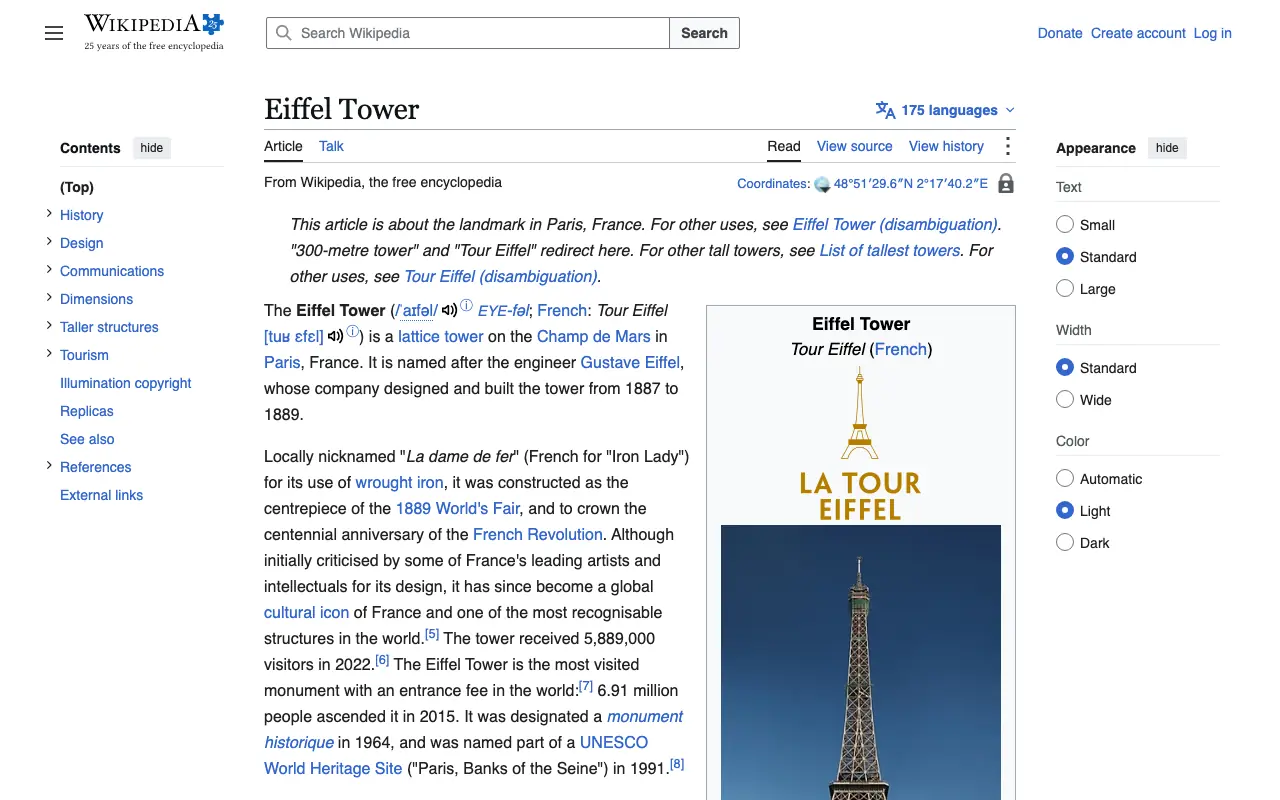
This is an example: wikipedia.org on a computer, top of the page, pictured with CurlShot. Paste an address above to make your own.
Ads and cookie pop-ups hidden. This page has none, so the screenshot is the same either way.
No account needed to try it. A free account gives you 100 screenshots a month, no card needed.
Create a free accountHow to do it, in three steps
- 1
Paste the URL into the box.
- 2
Choose the whole page or just the top, and the screen size.
- 3
Press "Take the screenshot", then download the image.
What people use it for
- Put a screenshot of a website into a document or a slide
- Show a page in a chat or a ticket without sending a link
- Make an image of a page for a blog post or a newsletter
- Generate images of pages automatically from your own code
For developers: one request
The same thing from your own code. It is a plain HTTP request, so it works from any language. Create a free account to get an access key.
curl "https://curlshot.com/api/v1/screenshot?access_key=YOUR_ACCESS_KEY&url=https://example.com&format=webp&image_quality=80" \
--output page.webpQuestions people ask
How do I convert a URL to a PNG or JPG?
Paste the URL into CurlShot and download the screenshot. With the API, add format=png, format=jpeg or format=webp to the request.
Which image format should I pick?
PNG is exact and best for pages with text and flat colour. JPEG and WebP make much smaller files and are the better choice for long pages and photos.
Can I get a smaller image, such as a thumbnail?
Yes. With the API, image_width and image_height resize the result, so you can ask for a 400 pixel wide thumbnail directly.
Is it free?
You can try it on this page without an account. A free account adds a monthly allowance of screenshots and keeps them in one place.
Related tools
- Website thumbnailMake a thumbnail or preview image of any website from its address. For directories, link lists, portfolios and newsletters. Free to try, one request by API.
- Full-page screenshotTake a screenshot of a whole web page, from the top to the very bottom, as one image. Paste the address, nothing to install. Also available as an API.
- HTML to imageRender your own HTML, CSS or Markdown into an image or a PDF with one API request. For social cards, certificates, receipts and reports.