Screenshot a page without cookie banners and ads
To get a clean screenshot of a web page, paste its address into CurlShot and keep "Hide ads and cookie pop-ups" switched on. CurlShot hides cookie banners and consent pop-ups, blocks ads, and then takes the screenshot, so the page itself is what you see.
No address handy? Try
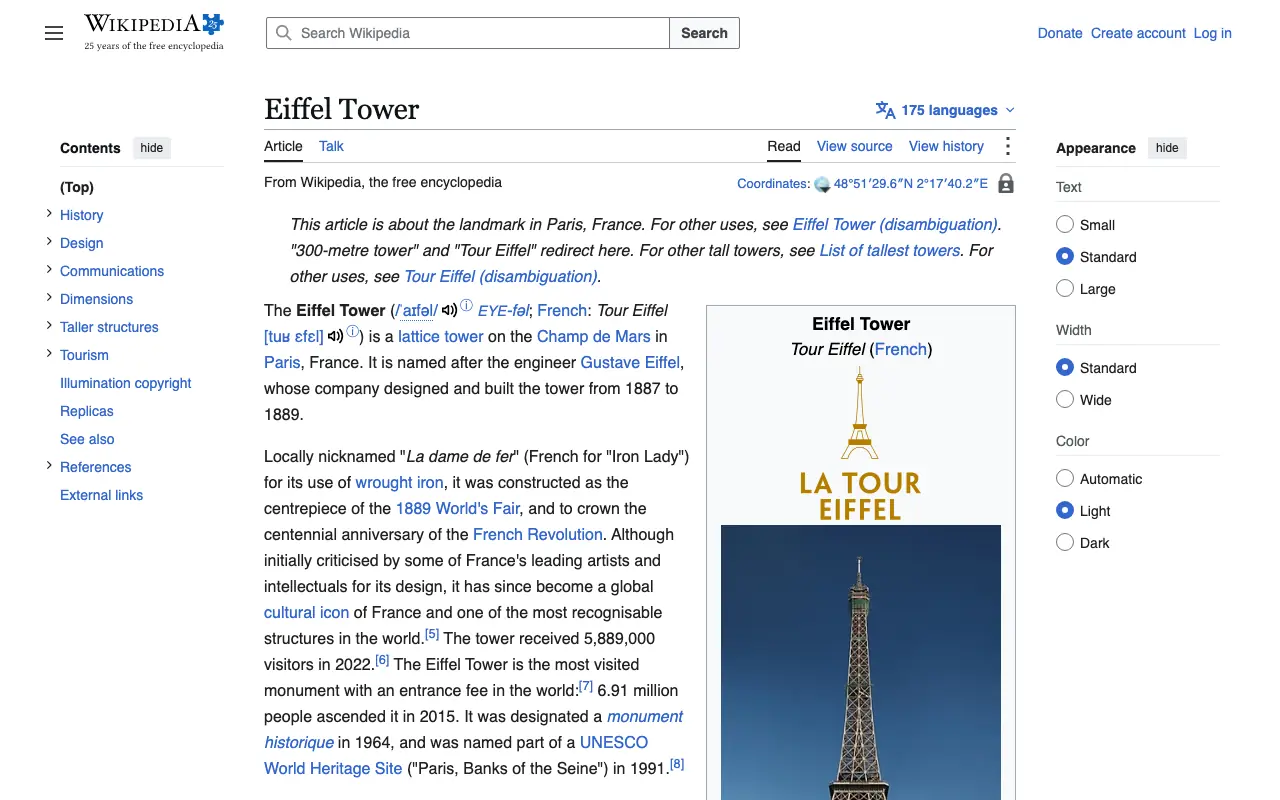
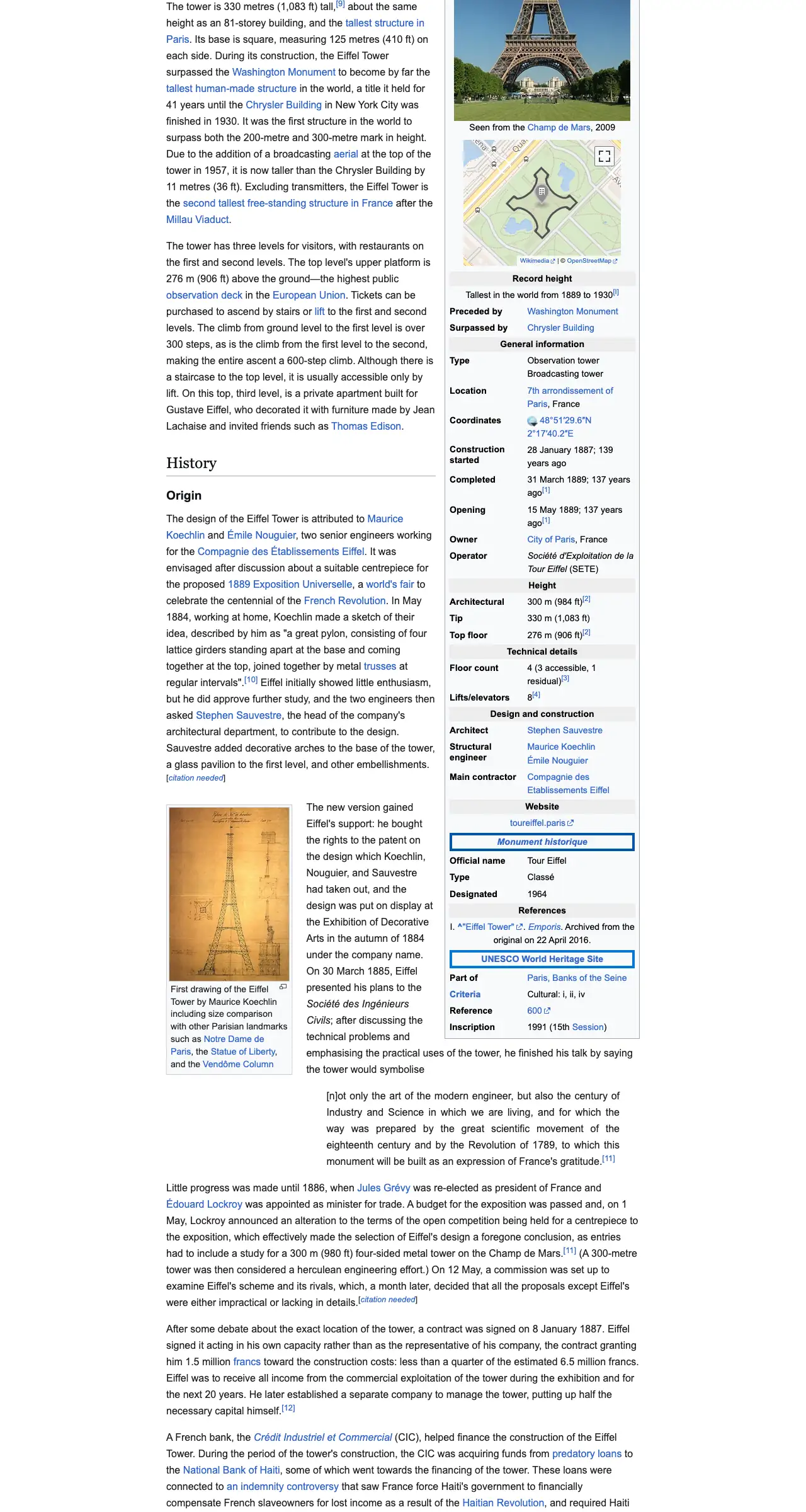
The example stops here. The real page goes on.
This is an example: wikipedia.org on a computer, whole page, pictured with CurlShot. Paste an address above to make your own.
Ads and cookie pop-ups hidden. This page has none, so the screenshot is the same either way.
No account needed to try it. A free account gives you 100 screenshots a month, no card needed.
Create a free accountHow to do it, in three steps
- 1
Paste the address of the page into the box.
- 2
Keep "Hide ads and cookie pop-ups" switched on.
- 3
Press "Take the screenshot", then download the image.
What people use it for
- Screenshots for a presentation or a portfolio, without a consent box in the middle
- Clean previews of websites in a directory or a newsletter
- Records of a page where the content is what matters
- Monitoring a page without pop-ups changing the screenshot
For developers: one request
The same thing from your own code. It is a plain HTTP request, so it works from any language. Create a free account to get an access key.
curl "https://curlshot.com/api/v1/screenshot?access_key=YOUR_ACCESS_KEY&url=https://example.com&block_cookie_banners=true&block_ads=true&full_page=true" \
--output clean.pngQuestions people ask
How do I take a screenshot without the cookie banner?
Use CurlShot with "Hide ads and cookie pop-ups" switched on. With the API, add block_cookie_banners=true to the request.
Does it work on every website?
It works on most sites, not all. The common consent tools are covered. For a site with an unusual pop-up, the API can hide any element by its selector or click a button before the capture.
What else can be removed?
Ads, trackers and chat widgets each have their own switch in the API: block_ads, block_trackers and block_chats.
Is it free?
You can try it on this page without an account. A free account adds a monthly allowance of screenshots and keeps them in one place.
Related tools
- Full-page screenshotTake a screenshot of a whole web page, from the top to the very bottom, as one image. Paste the address, nothing to install. Also available as an API.
- URL to imageConvert any URL into an image file. Paste a web address and download a PNG, JPEG or WebP screenshot of the page. Free to try, and one request by API.
- Web page to PDFTurn a web page into a PDF document from its address. Real pages, working links and selectable text. Paste the address, nothing to install. Also an API.